


Guides · Playing together
Playing together
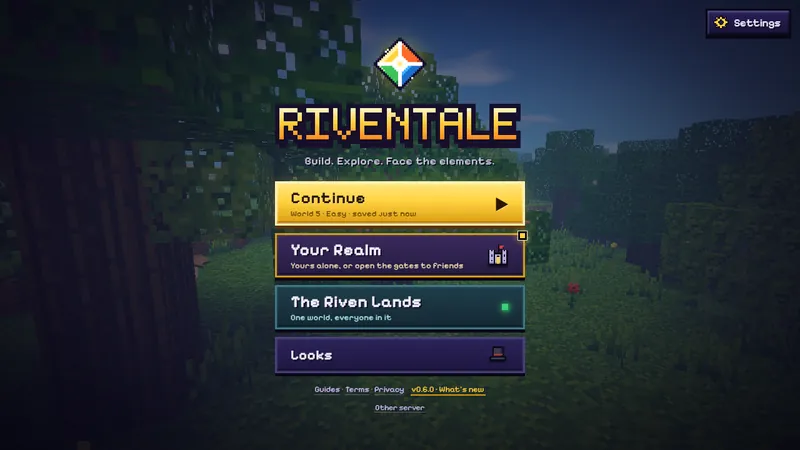
The title menu has two doors to other players, both free. The Riven Lands is the one shared world, up to 40 players, always there. Your Realm holds your own worlds: each is yours alone until you invite friends, and one of them can live on our server as a private world that friends can enter while you are away.
Which one to pick
| The Riven Lands | Your world, with friends | Private world | |
|---|---|---|---|
| Who can join | Anyone | Only people with your link | Only people with the code or link |
| Players | Up to 40 | You and up to 8 friends | Up to 10 |
| Where it runs | Our game server | Your browser | Our game server |
| Needs you online | No | Yes: it closes when you stop | No |
| Where it is saved | Our server | Your browser, with your friends' characters | Our server; the owner can download it |
| Chat | Everyone in the world | Only the players inside | Only the players inside |
The Riven Lands
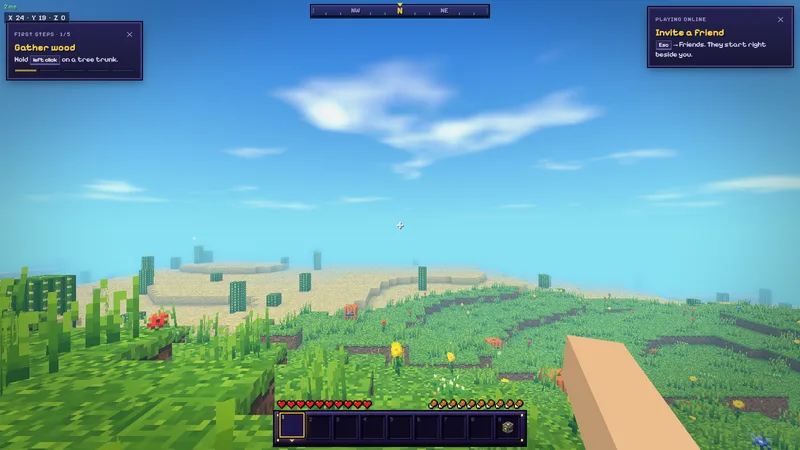
Press The Riven Lands, choose a player name and you are in. The button shows how many are playing now. On a server, a name belongs to whoever took it first; your browser keeps a hidden token that proves the name is yours, so play from the same browser to keep your character. A name nobody has used for 60 days is freed for others.
To bring a friend, open the pause menu and press Friends: Invite to this world is at the top, with a link to share or copy and a QR code for phones. You need no account for it. Anyone who opens the link joins the same world and starts right beside you.
Your Realm
Your Realm lists your worlds, up to five, saved in your browser, with New world to make another. Here you rename a world, download it as a file, or load a world file back in. Continue on the title menu goes straight back to the one you played last. Each world has an Invite switch beside it, and your private world, if you keep one, sits in the same list under On our server.
Inviting friends to your world
In the pause menu of a world you are playing, press Friends, then Invite to this world. You get a link to copy or share, and a QR code for phones. Up to eight friends open it in their browsers and play in your world with you, straight from browser to browser, so each browser sees the other's internet (IP) address. Their characters are saved in your world, so they keep their things next time. The Invite switch beside the world in Your Realm stays on: the world opens to friends each time you enter it, without asking. Stop inviting under the link, or the switch, makes the world yours alone again; then it needs no internet.
- While friends are in, the world keeps running when you open the pause menu.
- When you leave the world or press Stop inviting, they see "World closed". If your tab closes, they lose the world too.
- Some networks (often phone networks or strict routers) cannot connect straight to each other. The game then tries a relay; if that fails too, your friend sees why, with a button to private worlds instead.
A private world on our server
Your Realm > On our server shows how many private worlds the server has in use and lets you Create a private world; once you have one, it sits in Your Realm with your other worlds, one tap in. Each player can have one. You get a 16-character code like K7QD-…, and an invite link with the code built in; up to ten players can be in it at once, with or without you. Anyone with the code can join from Join with a code on the same screen. Codes forgive typing: any case, with or without dashes, and an O for a zero is fine.
- The world stays while someone plays it at least once every seven days. After a week with nobody in it, it is freed, and its owner can still download it for 90 days.
- The owner can Download a copy at any time from the invite window. The file loads as a world of your own (Your Realm > Load a world file).
- If every private world on the server is taken, the screen says so and points you to inviting friends to a world of your own instead.
Friends
Sign in (email, Google or a passkey), open Friends (title menu, pause menu or F) and share your friend code, or the link and QR code that carry it, or type a friend's code under Add friend. You see which friends are online and in which world, join them in one tap, and invite them to yours: an invite reaches a friend wherever they are in the game.
Playing well together
Downed, not dead
In a multiplayer world, reaching zero health knocks you down instead of killing you outright. You crawl for up to 60 seconds, and a friend who holds Use (right click) on you for three seconds revives you. You can also give up and respawn.
Claims and trust
A Claim Stone (eight stone bricks around an iron ingot) protects the 33×33 columns around it, from the sky to the bottom of the world, so nobody else can build or break there. Each player can place three. Type /trust and a name to let a friend build on your land, /untrust to stop, and /claims to list yours. The area around the world spawn cannot be claimed.


Finding each other
- Teleport requests: a friend asks to come to you; press Y to accept or N to refuse (or /tpaccept, /tpdeny).
 Moonstone orbs take you to a friend, to one of your homes, or to where you last died.
- Homes: H sets a home where you stand; you can keep four (/sethome 1-4, /tphome 1-4).
- Teams: /team with a colour nobody has yet starts a team; members bring others in with /team invite and a name. Teammates share claims, cannot hurt each other, and show their colour on name tags.
Pages, songs and achievements
Torn pages, Songstone songs and achievements belong to each player. A Songstone one player starts is heard by everyone nearby; see the Songstone.
Safety
The Riven Lands has text chat with everyone in the shared world; a private world or a world of yours with friends in it has only the people you invited. Pick a name and write messages that are fine for everyone to read; we can remove a name or a player who spoils the game for others. What the game keeps when you play online is on the privacy page.
Next: The story. All sections: the guides.